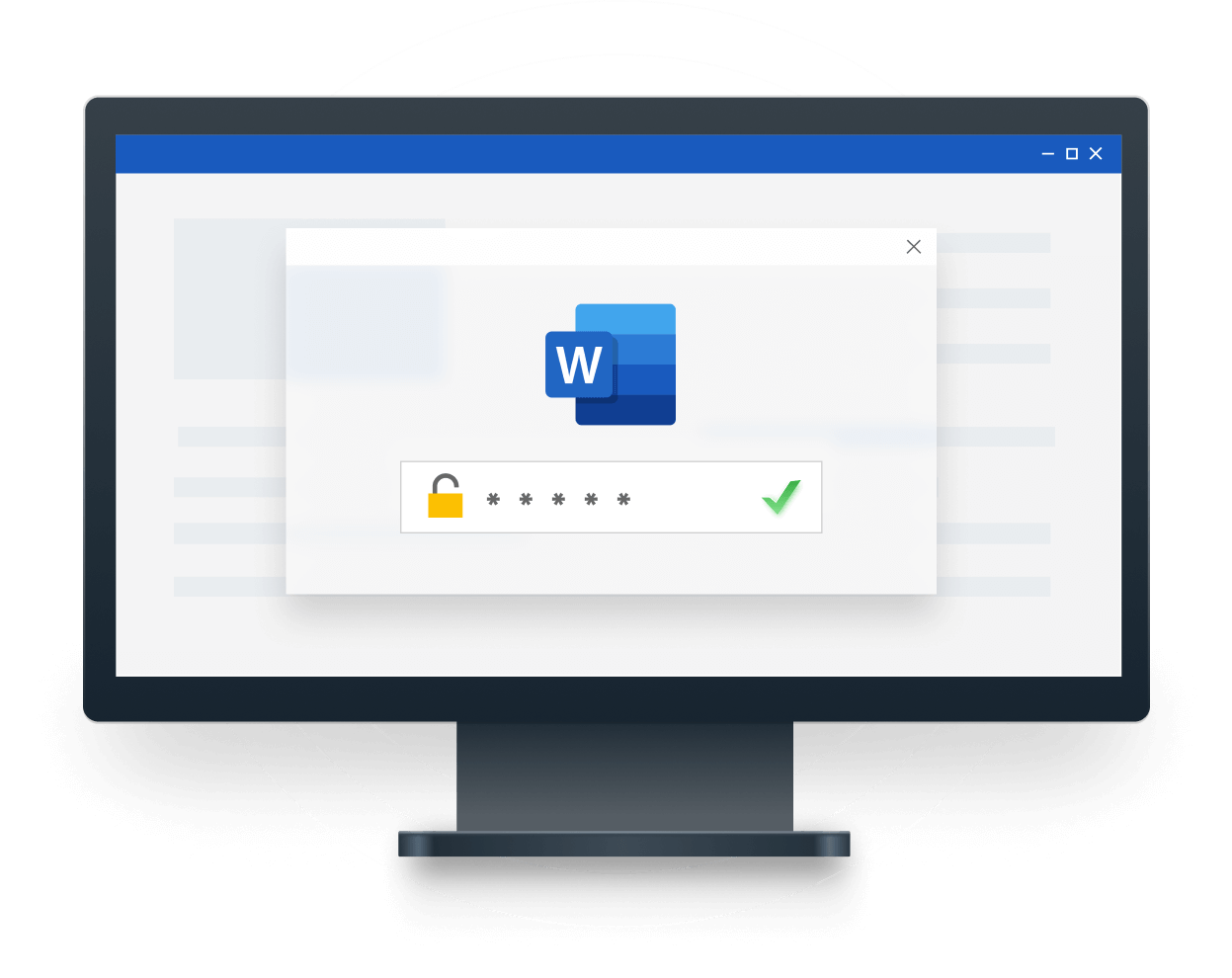
PassFab for Word
Recover Word Passwords & Remove Editing Restrictions
- Recover Word Opening Passwords - Use three password recovery methods to find forgotten passwords and open protected Word documents.
- Remove Word Editing Restrictions - Remove read-only or password-protected editing restrictions to edit, modify, copy, and delete document content.
- Support password-protected Word documents in .doc and .docx formats.
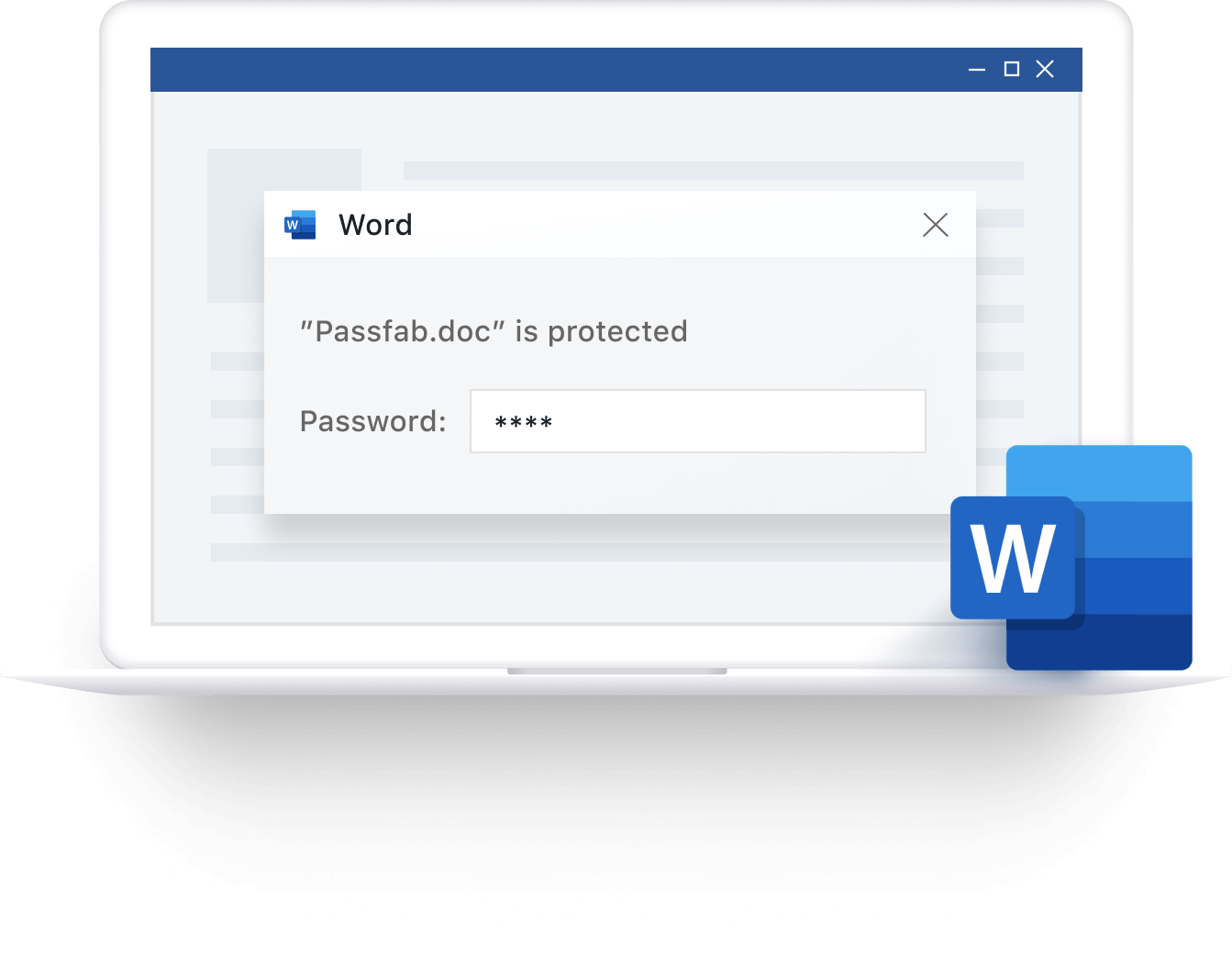
Best Word Password Recovery Tool
PassFab for Word supports Word documents created with various Microsoft Word versions, helping you recover access to older and newer files.
- Support All Word Versions: 2019, 2017, 2016, 2013, 2010, 2007, 2003, XP, 2000 and 97
- File Format Support: *.doc, *.docx
3 Password Recovery Methods for Different Needs
Choose a recovery method based on what you remember about your Word password. PassFab for Word offers three attack modes to help you recover forgotten passwords.

Dictionary Attack
Search for the password using a built-in or customized dictionary. Suitable for passwords based on common words or phrases.

Brute-force with Mask Attack
Narrow down the search by specifying known password details, such as length or characters.

Brute-force Attack
Try different character combinations to find the correct password, even if you don't remember any details about it.
Efficient Password Recovery with Original Files Preserved
- Optimized Recovery Speed - Built-in search algorithms help accelerate password recovery and reduce waiting time.
- Original Files Preserved - Recover passwords or remove editing restrictions without altering the original document content.

3 Steps to Unlock Word Password
By just using three steps, you can recover locked Microsoft Word document password within minutes.

1. Import Encrypted Word File

2. Select Password Attack Mode
3. Get Word Password Back
1. Import Encrypted Word File
2. Select Password Attack Mode
3. Get Word Password Back
Why Choose PassFab?

10 Years
Experience

30 Days
Money Back Guarantee

100% Security
Purchase via 256-bit SSL

Tech Support
Online for free
PassFab for Word
Unlock Word Document without Password.
Based on 988 customers review
FAQs for PassFab for Word
A1: It supports all Microsoft Word versions, such as Microsoft Word 2019, Word 2017, Word 2016, Word 2020, Word 2007.
A2: Actually PassFab for Word is designed to recover your forgotten Word password. In order to remove the password, you can recover it using PassFab for Word and them remove it after getting access to your Word document.
A3: No. We are still trying our best to improve our software to support removing Microsoft Word password to edit. If you have any ideas about how to remove password from Word document to edit, just contact us.
A4: It depends on how many characters you remember about your password. If you remember some clues about it, just use Brute-force with Mask Attack. If your password is one of your frequently-used ones, just use Dictionary Attack. If you have no idea about it, just use Brute-force Attack.
A5: Currently this product does not support GPU acceleration. If you need it, please submit feedback for us, this feature may be added in a future version.